
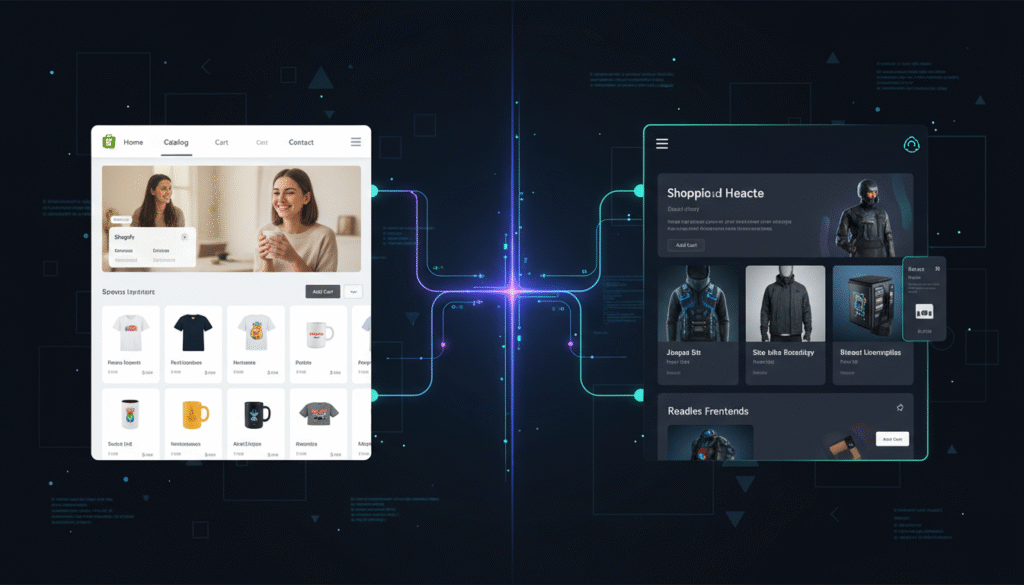
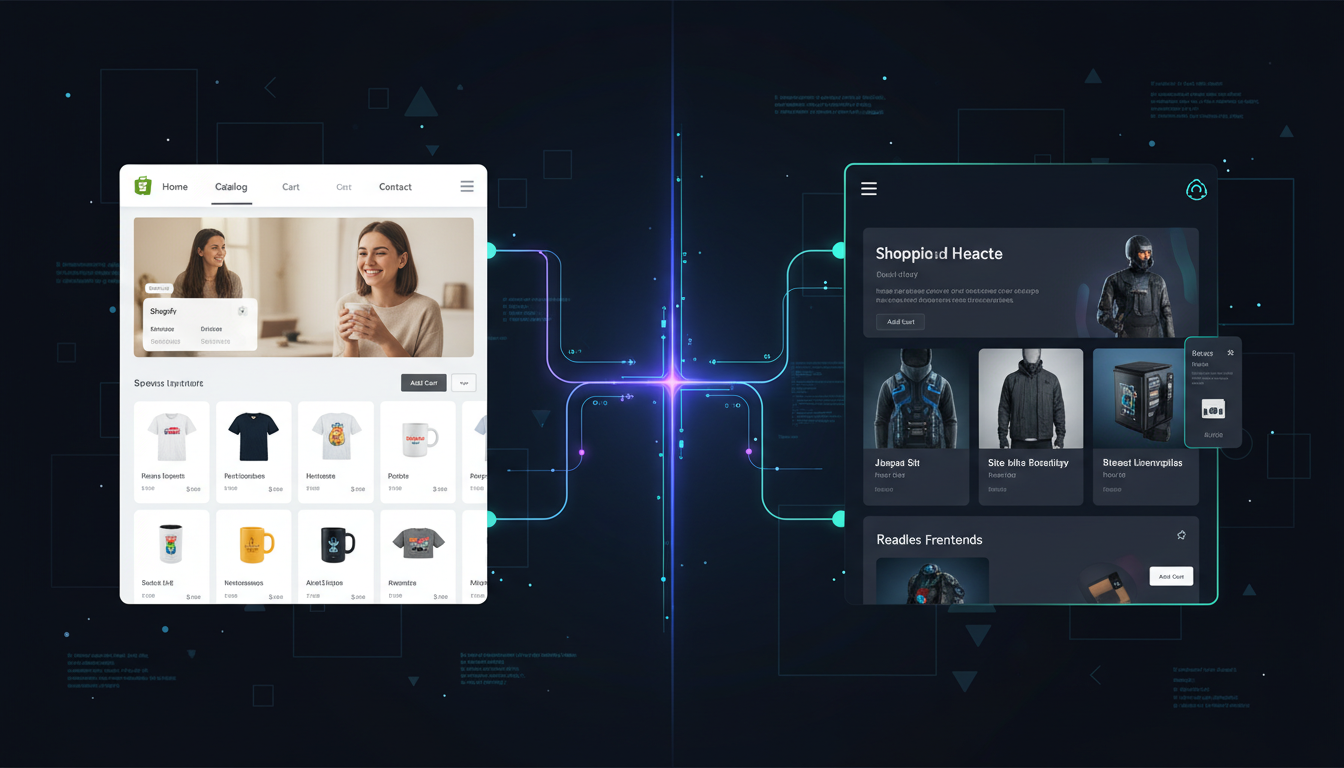
You’ve hit a wall with your Shopify theme. The animations you want break the checkout. The CMS your content team demands doesn’t fit inside Liquid. A developer quotes you six figures to rebuild the storefront in a framework your engineers can actually own. Shopify headless commerce suddenly sounds like the answer — and for some stores, it genuinely is. But for many $500K/year brands, it’s six months of dev work that produces a site that converts worse than the one they replaced. According to Shopify’s own 2025 Commerce Trends Report, fewer than 12% of Shopify Plus merchants use a fully decoupled headless architecture — which tells you this path is not default for a reason.
- Shopify headless commerce decouples your storefront from Shopify’s backend using the Storefront API or Hydrogen framework — giving you full frontend freedom.
- Performance gains are real but not automatic: a poorly built headless site can be slower than a well-tuned Online Store 2.0 theme.
- Total cost of ownership is 3–5× higher than a standard Shopify Plus setup, including ongoing developer dependency.
- The strongest use cases are omnichannel brands, content-heavy publishers, and stores with complex custom UX requirements.
- Most stores under $2M GMV should exhaust theme customization and Hydrogen’s starter templates before committing to a full headless build.
What Exactly Is Shopify Headless Commerce?
In a standard Shopify store, the frontend (what shoppers see) and the backend (cart, checkout, product data, payments) are tightly coupled inside Shopify’s infrastructure. Your theme — built in Liquid — talks directly to Shopify’s backend with no separation layer.
Headless commerce severs that connection. Your frontend is built in any framework you choose — Next.js, Nuxt.js, Astro, SvelteKit — and it communicates with Shopify’s backend exclusively through APIs: the Storefront API for product, cart, and customer data, and the Admin API for operational tasks. Shopify’s Hydrogen framework (built on Remix) is the official opinionated starter kit for this architecture, and Oxygen is Shopify’s managed hosting layer for Hydrogen storefronts.
The result: Shopify handles what it’s genuinely best at — payments, checkout, inventory, fulfillment — while your team controls every pixel of the customer experience using modern JavaScript tooling.
The 7 Real Pros of Shopify Headless Commerce
1. Genuine Frontend Performance Ceilings Are Higher
A well-architected headless Shopify storefront built on Next.js with edge-side rendering can achieve Google PageSpeed Insights scores of 95+ on mobile — something that’s extraordinarily difficult with a feature-rich Liquid theme loading third-party scripts. Static generation at the product and collection level means your pages are served from a CDN edge node, not computed on demand.
The caveat: this is a ceiling, not a floor. A poorly structured React app with unoptimized bundle sizes will score worse than a lean Dawn-based theme. Use PageSpeed Insights and Lighthouse CI in your deployment pipeline from day one to enforce performance budgets.
2. Full Creative and UX Freedom
Liquid is a capable templating language, but it has hard ceilings. Complex animations, custom filtering logic, non-standard page layouts, and editorial-style content experiences all fight against Liquid’s constraints. With a React or Vue frontend, your design team works in a medium they own completely. Interactive product configurators, immersive scrollytelling pages, and 3D product viewers (via Three.js or model-viewer) become tractable engineering tasks rather than hacky Liquid workarounds.
3. True Omnichannel Content Delivery
If you’re serving content to a web storefront, a native mobile app, a kiosk, a smart TV interface, or a voice assistant from the same Shopify product catalog, a headless architecture makes this dramatically cleaner. One API, multiple frontends. Brands running a Shopify store alongside a native iOS app built with React Native can share cart logic, customer authentication, and product data without code duplication.
4. CMS Flexibility
Shopify’s native content capabilities — pages, blogs, metafields — are workable but not powerful enough for serious editorial teams. Headless unlocks best-in-class CMS options: Contentful, Sanity.io, Prismic, and Storyblok all offer structured content with rich APIs. Your merchandising team gets a real content editing experience; your frontend pulls from both the CMS and Shopify’s Storefront API at build time or on request.
5. Faster Developer Iteration
Shopify theme development requires context-switching into Liquid, the Theme Editor, and Shopify CLI’s local dev server. Frontend engineers building in Next.js work in an environment they already know — fast hot-module reloading, component-based architecture, TypeScript, and the full npm ecosystem. Hiring and onboarding becomes easier because the skill set is mainstream web development, not Liquid specialization.
6. Advanced Personalization Architecture
Delivering personalized experiences — different hero content for returning customers, loyalty-tier-based pricing displays, AI-driven product recommendations from Rebuy — is cleaner when your frontend has direct access to user state and can make edge-computed decisions before rendering. Segment and Klaviyo’s onsite personalization SDK both integrate more deeply into a custom JS frontend than into a theme-based architecture.
7. Shopify Checkout Remains PCI-Compliant and Conversion-Optimized
This is underappreciated. Going headless does not mean you rebuild the checkout. Shopify’s checkout — including Shop Pay, Buy Now Pay Later options, and accelerated checkout buttons — stays intact. You get all the conversion engineering Shopify has poured into checkout (their checkout converts at 15% higher than the industry average, per Shopify’s 2024 data) while owning everything before and after it.
The 5 Honest Cons of Shopify Headless Commerce
1. Cost Is Substantially Higher — At Every Stage
A production-ready headless Shopify build with Hydrogen/Next.js, a headless CMS, and proper DevOps runs upwards of $200,000 in initial development from a qualified agency, depending on scope. Our headless cost breakdown shows where that money goes. Ongoing retainer costs for a headless site run 40–60% higher than an equivalent Online Store 2.0 theme because every feature addition requires JavaScript development rather than theme editor configuration.
You also absorb infrastructure costs that Shopify previously handled: hosting (Oxygen is included for Hydrogen builds, but custom frontends on Vercel or Netlify add $50–$500/month), monitoring, and CI/CD pipeline maintenance.
2. Shopify App Compatibility Is Broken or Partial
This is the con that trips up the most brands. The majority of Shopify apps inject scripts into your Liquid theme — and that injection mechanism doesn’t exist in a headless frontend. Popular apps for reviews (Okendo, Yotpo), size guides, loyalty programs, and upsells need to be re-integrated via their JavaScript SDKs or APIs, which requires custom development for each one. Before going headless, audit every app currently in your store and confirm headless API/SDK support exists.
3. Shopify Theme Editor Is Gone
Your merchandising team currently drags, drops, and configures sections in the Online Store theme editor. That workflow disappears in a headless build. Changes to homepage layouts, promotional banners, and featured collection ordering either require a CMS (if you’ve built that integration) or a developer deployment. This creates operational friction and slows marketing velocity unless you’ve invested heavily in a CMS layer with a non-technical editing interface.
4. SEO Requires More Engineering Discipline
A Liquid theme handles canonical tags, hreflang attributes, structured data, and sitemap generation through Shopify’s native infrastructure. In a headless build, these become your responsibility. Server-side rendering (SSR) or static site generation (SSG) is non-negotiable for SEO — a client-side-rendered React app will be crawled poorly by Googlebot. You’ll need to implement structured data for products and reviews manually, generate XML sitemaps programmatically, and verify rendering behavior in Google Search Console‘s URL Inspection tool on a regular basis.
5. You’re Accepting Developer Dependency Indefinitely
Shopify’s Online Store 2.0 architecture was deliberately designed so that a non-developer store owner can make meaningful site changes. Headless eliminates that self-sufficiency. Every A/B test you want to run through Optimizely or Convert, every new landing page, every homepage redesign now requires a pull request. If your in-house developer leaves or your agency relationship ends, you can face weeks of paralysis. This operational risk is real and underweighted in most headless conversations.
Shopify Headless vs. Traditional Shopify: Benchmark Comparison
| Factor | Online Store 2.0 (Liquid Theme) | Shopify Headless (Hydrogen / Next.js) |
|---|---|---|
| Initial Build Cost | $5,000 – $40,000 | $200,000+ |
| Time to Launch | 4–12 weeks | 16–36 weeks |
| Mobile PageSpeed (optimized) | 55–75 | 80–98 |
| App Compatibility | ~95% of Shopify apps | ~40–60% (SDK/API required) |
| Merchant Self-Service | High (theme editor) | Low (dev or CMS required) |
| Ongoing Dev Cost (monthly) | $500 – $3,000 | $3,000 – $12,000+ |
| SEO Complexity | Low (Shopify handles defaults) | High (manual implementation) |
| CMS Integration | Limited (metafields, pages) | Full (Contentful, Sanity, Prismic) |
| Checkout Ownership | Shopify native | Shopify native (unchanged) |
| Ideal GMV Range | $0 – $5M+ | $2M+ with specific use case |
What Is Shopify Headless Commerce Pros? (PAA)
The advantages of Shopify headless commerce center on three genuine value drivers: performance, flexibility, and scalability at the architecture level. Understanding each honestly — not as marketing language — helps you judge whether the benefits justify the cost for your specific situation.
Performance: The most measurable benefit is Core Web Vitals improvement. When Largest Contentful Paint (LCP) drops from 4.2s to 1.8s through server-side rendering and edge caching, you get both a better user experience and a direct SEO signal improvement. Google’s 2024 ranking factor data confirms Core Web Vitals remain a tie-breaker in competitive SERPs. Brands like Allbirds and Glossier — both early headless adopters — reported mobile conversion rate lifts of 8–20% after architectural migrations, though attributing all of that gain to headless alone is difficult given concurrent UX changes.
Flexibility: The ability to build any UX pattern without fighting a theme framework is genuinely valuable for brands with complex product configurations, rich editorial content strategies, or non-standard navigation structures. If your product requires a guided selling quiz with branching logic that renders personalized results — think a custom skincare formulation brand or a made-to-measure clothing retailer — Liquid will frustrate you at every turn. A React or Vue frontend handles this as a standard component architecture problem.
Omnichannel and future-proofing: Shopify’s Storefront API is versioned and stable. Building your frontend as an API consumer means you can point that same data layer at a mobile app, a kiosk, or a new channel without re-architecting your commerce backend. For brands actively expanding to native mobile apps alongside their web store, this API-first foundation eliminates redundant data modeling work.
Developer experience: Engineering teams working in React/TypeScript ecosystems ship faster than teams learning Liquid. If your technical team is already JavaScript-native, headless removes a translation layer and reduces the cognitive overhead of context-switching between frontend frameworks.
The honest qualifier: every one of these pros is conditional on executing the build correctly. A poorly structured headless implementation destroys the performance gains, multiplies the dev cost, and introduces SEO regressions that take months to recover from.
How to Fix Shopify Headless Commerce Problems (PAA)
If you’ve already launched a headless Shopify storefront and you’re experiencing the most common failure modes — slow performance, broken app integrations, SEO regressions, or marketing team paralysis — here’s how to systematically diagnose and address each one.
Fix 1: Slow Performance on a Headless Build
Run PageSpeed Insights on your five highest-traffic pages immediately. If LCP is above 2.5s, your rendering strategy is the first suspect. Confirm your pages are server-side rendered or statically generated — open Chrome DevTools, disable JavaScript, and reload. If the page is blank, you’re doing client-side rendering only, which is both slow and bad for SEO. Migrate critical routes to SSR or SSG in Hydrogen (using Remix loader functions) or Next.js (getServerSideProps / getStaticProps).
Bundle size is the second lever. Run next build --analyze or use Webpack Bundle Analyzer to identify bloated dependencies. Third-party scripts (chat widgets, analytics, personalization tools) should be loaded with next/script using strategy="lazyOnload" to prevent render-blocking.
Fix 2: Broken App Integrations
Audit your installed Shopify apps against their headless documentation. Apps like Okendo (reviews), Rebuy (upsells), and Klaviyo (email capture) all have JavaScript SDKs or REST/GraphQL APIs designed for headless implementations. Go to each app’s developer documentation, implement their SDK initialization in your app’s root layout, and test against staging. Apps with no headless support should be replaced with API-native alternatives or custom-built equivalents.
Fix 3: SEO Regressions
Open Google Search Console → Coverage → check for “Crawled – currently not indexed” or “Discovered – currently not indexed” status increases after your headless launch. Use the URL Inspection tool on affected pages and select “Test Live URL” to see what Googlebot actually renders. If structured data is missing, implement JSON-LD product schema in your page <head> server-side. Ensure your XML sitemap is dynamically generated from Shopify’s product catalog and submitted under Google Search Console → Sitemaps.
Fix 4: Marketing Team Can’t Make Changes
If your team is blocked on every change, the fix is a headless CMS integration. Evaluate Sanity.io (strong developer ergonomics, flexible schema) or Storyblok (visual editor that gives non-technical users drag-and-drop capability similar to Shopify’s theme editor). Map your most frequently changed content — homepage hero, announcement bar, promotional banners, featured collections — to CMS-managed fields. This one architectural addition recovers most of the operational velocity your team lost by going headless.
Why Does Shopify Headless Commerce Create These Challenges? (PAA)
Understanding why headless creates specific pain points helps you make smarter architectural decisions upfront rather than discovering problems post-launch.
The root cause of most headless Shopify problems is the assumption gap between what’s marketed and what’s engineered. Headless is presented as a straightforward “decouple the frontend” decision. In practice, Shopify’s Online Store 2.0 architecture bundles an enormous amount of infrastructure that merchants never see: automatic sitemap generation, metafield rendering pipelines, theme app extensions, script injection for third-party apps, the Online Store Editor, section schema validation, and Shopify’s CDN optimization for theme assets. When you go headless, you opt out of all of that bundled infrastructure and accept responsibility for rebuilding what you need.
App compatibility breaks because 80%+ of Shopify apps were built using Shopify’s ScriptTag API — a mechanism that injects JavaScript into Liquid themes. That injection point doesn’t exist in a headless frontend. App developers have been migrating to App Extensions and JS SDKs, but as of 2026, many mid-tier apps in the Shopify App Store still don’t offer a headless-native integration path.
SEO regressions happen because search engine crawlers historically struggled with JavaScript-rendered content. While Googlebot has improved significantly at rendering client-side JavaScript, there’s still a meaningful crawl and indexing delay compared to HTML-first server-rendered pages. Headless builds that skip SSR because “Googlebot can handle it” consistently see indexing lag and ranking instability in competitive categories.
Performance problems on headless builds are often engineering discipline failures rather than architectural ones. JavaScript frameworks are powerful but permissive — they don’t prevent developers from making decisions that destroy Core Web Vitals. A Liquid theme, by contrast, has constrained choices: Shopify controls its CDN, image optimization (via the image_url filter), and asset delivery. Remove those guardrails and the performance outcome depends entirely on your frontend team’s expertise.
The operational friction with marketing teams happens because Shopify deliberately designed the theme editor as a merchant-owned tool. Removing it without replacing it with an equivalent non-technical editing interface (a headless CMS with a visual editor) transfers creative control entirely to engineering — which creates a bottleneck that slows campaign execution and drives up costs.
How to Prevent Shopify Headless Commerce Problems Before They Start (PAA)
The best time to prevent headless problems is before you commit to the architecture. Here’s the pre-flight checklist that separates successful headless migrations from expensive ones.
Step 1: Run a Genuine Business Justification Analysis
Before any technical decision, document specifically what your current Shopify theme cannot do that is costing you measurable revenue. “We want more flexibility” is not a business justification. “Our mobile bounce rate is 72% and Hotjar session recordings show users abandoning at the custom product configurator because Liquid can’t render it without a 4-second delay” — that is a business justification. If you can’t write a one-page ROI case with specific numbers, you’re not ready to go headless.
Step 2: Audit Your App Stack for Headless Compatibility
Go to your Shopify Admin → Apps → and list every installed app. For each one, check whether it offers a REST API, GraphQL API, or JavaScript SDK that works without theme injection. Apps with no headless path need to be replaced or custom-built before launch. Treat this as a hard dependency list, not an afterthought.
Step 3: Choose the Right Headless Technology Stack
For most Shopify merchants going headless, the right default stack in 2026 is:
- Frontend framework: Shopify Hydrogen (Remix-based) or Next.js 15 with the App Router
- Hosting: Shopify Oxygen (for Hydrogen) or Vercel (for Next.js)
- CMS: Sanity.io (developer-first) or Storyblok (marketer-accessible visual editor)
- Search: Shopify Search & Discovery App API or Algolia for large catalogs (10,000+ SKUs)
- Analytics: Google Analytics 4 with server-side tagging via Google Tag Manager to preserve data accuracy without impacting client-side performance
- Performance monitoring: Vercel Speed Insights or Calibre CI integrated into your deployment pipeline
Step 4: Enforce SSR/SSG From Day One
Establish a firm architectural rule before writing a single component: every page that needs to rank in Google must be server-side rendered or statically generated. Enforce this with a Lighthouse CI gate in your CI/CD pipeline — builds that drop below a PageSpeed score of 80 on mobile should fail. This prevents the performance debt that accumulates invisibly during fast-moving development sprints.
Step 5: Build a Content Editing Layer Early
Don’t launch headless without a CMS editing interface for your marketing team. Identify the 10 most frequently changed content elements on your current store. Map each one to a CMS schema before development starts. Your agency or dev team should demo the editing workflow to a non-technical team member before launch — if they can’t make a homepage banner change without Slack-ing a developer, the build is not ready to ship.
Step 6: Track Core Web Vitals Before and After Migration
Set a baseline. Before you begin your headless migration, run PageSpeed Insights on your top 10 pages and record LCP, FID (now INP — Interaction to Next Paint), and CLS scores. After launch, monitor field data in Google Search Console → Core Web Vitals for 60 days. If scores regress versus your baseline, you have a performance problem, not a performance win — and you need to address it before it compounds into ranking losses.
Is Shopify Hydrogen Worth It in 2026?
Hydrogen has matured significantly since its 2021 debut. The migration to Remix (now just “React Router v7” under the hood) in 2023 addressed the most serious performance and data-fetching complaints. Oxygen hosting is included at no additional cost on all Shopify plans, which eliminates a major infrastructure cost argument against it.
The practical reality: Hydrogen is the lowest-risk path to headless if you’re committed to the architecture. Shopify maintains it, keeps the Storefront API integration current, and provides official examples for common patterns. The developer community is growing and Stack Overflow coverage for Hydrogen-specific problems is meaningfully better in 2026 than it was two years ago.
The argument for Next.js remains strong if your frontend team has deep Next.js expertise and you need the broader ecosystem — particularly around edge middleware, image optimization via next/image, and the enormous range of community packages. The trade-off is that you own the Shopify Storefront API integration fully, and Shopify’s Oxygen hosting isn’t available, so you’ll use Vercel or a comparable edge platform.
Which Shopify Merchants Should Go Headless in 2026?
Headless Shopify makes strong sense when at least two of the following are true for your business:
- Your GMV exceeds $2M annually and performance improvements have a demonstrable revenue impact at your traffic volume.
- You have in-house JavaScript developers (React/Vue/Node.js) or a long-term agency partner with headless Shopify experience specifically.
- You’re running a content-commerce hybrid — significant editorial content that requires a real CMS, not Shopify’s blog functionality.
- You’re serving the same product catalog to multiple frontends (web, native app, kiosk, partner portal) and API-first architecture genuinely reduces duplication.
- You have a specific UX requirement — custom product configurator, immersive brand experience, non-standard navigation — that Liquid demonstrably cannot support after an honest evaluation.
If none of these apply, the right move is to exhaust what a well-built Online Store 2.0 theme can do. A custom-developed Dawn or Prestige-based theme with targeted Liquid and JavaScript enhancements, Hotjar session recordings guiding UX improvements, and Rebuy for intelligent upsells will outperform a poorly scoped headless build every time — at a fraction of the cost and timeline.
The Bottom Line on Shopify Headless Commerce
Shopify headless commerce is a genuine architectural upgrade for the right merchant at the right stage — and a costly distraction for everyone else. The performance ceiling is higher, the creative freedom is real, and the omnichannel foundation is solid. But the cost is 3–5× that of a traditional build, app compatibility requires active re-engineering, and the operational dependency on developers is permanent unless you invest in a quality headless CMS layer. The stores that win with headless in 2026 are the ones that start with a specific problem — not a general desire for “more flexibility” — and build the architecture to solve exactly that problem. Audit your current store’s real constraints, model the true total cost of ownership including ongoing developer time, confirm your app stack has headless-compatible alternatives, and only then make the call.