The Checkout Myth Costing Shopify Brands Thousands
Every week I speak to a Shopify brand owner convinced their checkout is killing conversions. They’ve enabled Shop Pay, they’ve read the checkout articles, they’re considering a full rebuild. But when I audit their analytics, the drop-off isn’t at checkout. It’s on the product page long before checkout is ever reached.
Here’s the uncomfortable truth: most Shopify stores are driving paid traffic to product pages that haven’t been optimised since launch. The checkout is fine. Everything before it is the problem.
The 3 Product Page Elements Most Stores Ignore
1. The Hero Section Above the Fold
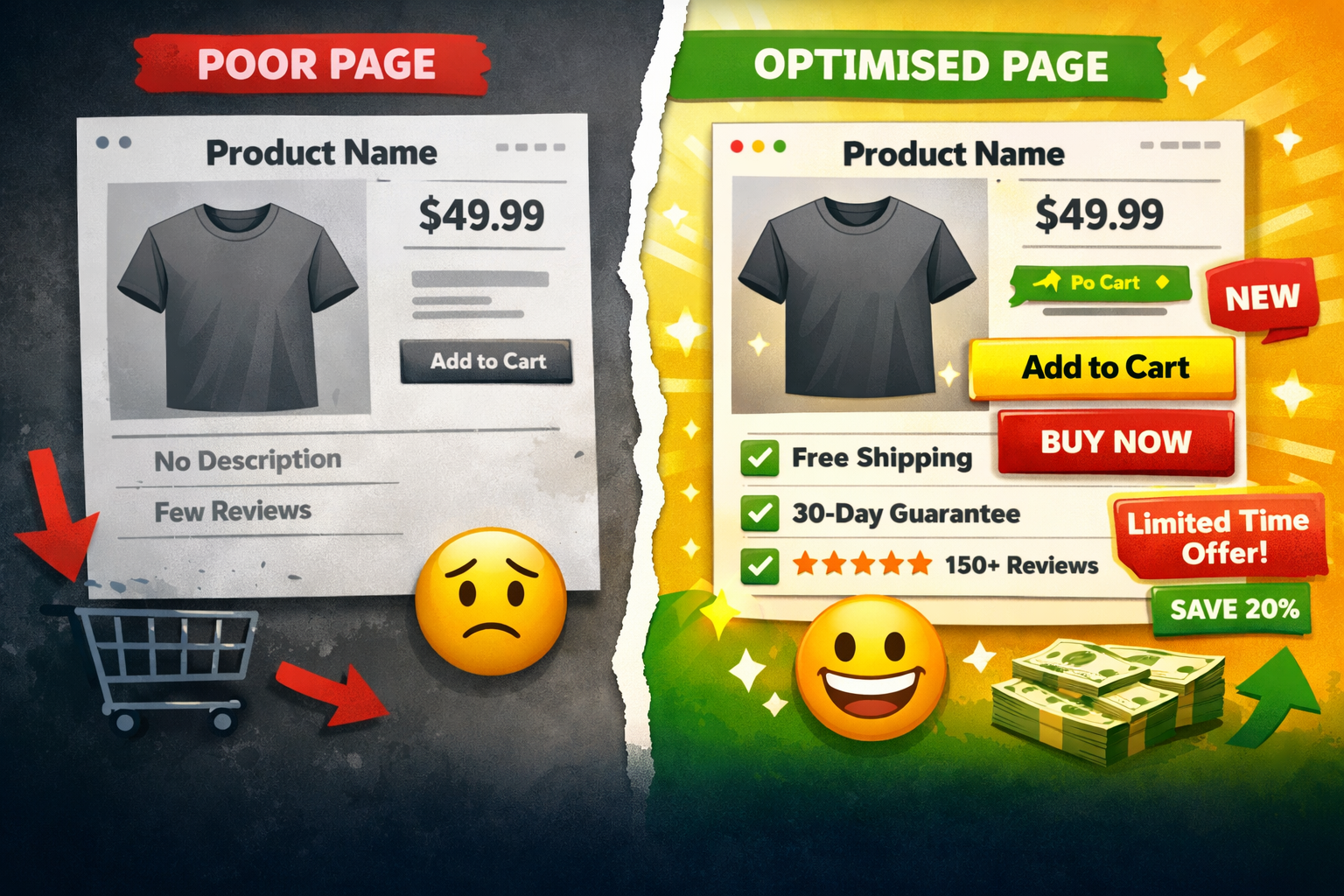
On mobile where over 70% of Shopify traffic originates you have roughly 400 pixels to make your case before a customer decides whether to scroll. Most brands waste this space with a slow-loading carousel, a product title that doesn’t communicate value, and an Add to Cart button buried below the fold.
What works: a single fast-loading lifestyle image (WebP, under 100KB), a benefit-led subtitle under the product name, and a sticky Add to Cart button visible at all times. This combination alone lifts add-to-cart rates by 15–25%.
2. Social Proof Placement
Reviews are your strongest conversion tool but placement matters as much as content. Most stores put reviews at the bottom of the page, after the description, size guide, and FAQ. By the time customers reach them, most have already left.
The fix: pull your star rating and review count directly into the hero section, beneath the product title. A simple ‘4.8 ★ (312 reviews)’ line above the price can lift conversions by up to 18%. Judge.me and Loox both support this natively on Shopify.
3. Add to Cart Button Copy
‘Add to Cart’ is the default and it’s completely passive. The button copy is one of the highest-leverage tests on any Shopify store. Try ‘Get Yours Now’, ‘Claim Your [Product]’, or ‘Yes, I Want This’. Even a small copy change on a high-traffic product page can move conversion rate by 0.3–0.8%, which compounds significantly at scale.
The Cost of an Unoptimised Product Page
Quick maths: 10,000 monthly sessions at 2% conversion = 200 orders. Move to 2.5% through product page fixes better hero, smarter review placement, sharper CTA and you get 250 orders from the same traffic. 50 additional orders per month, zero extra ad spend. That’s the CRO case.
Not a checkout rebuild. Not a new theme. Not more traffic. Just fixing what’s already there on the page your customers are landing on.
What to Fix First ?
Run your product page through Google PageSpeed Insights and look at your mobile score. Then open Shopify analytics and find product pages with the highest traffic and lowest add-to-cart rates. Those are your biggest opportunities. Fix the hero image first. Then move reviews up. Then test your CTA copy. In most stores, these three changes outperform a full redesign.
Your checkout isn’t holding you back. Your product page is. Start there.
Want a free product page audit? Book a 30-minute call at aqsashahzad.com.